
Scrum board: how to organize and track a Sprint
Quick summary: why a Scrum board
A Scrum board turns the Sprint Backlog into columns and cards, so the state of the Sprint is something everyone sees instead of something someone reports.
Cards represent Sprint Backlog items, columns represent the real stages of the team's workflow, and movement across the board shows progress toward the Sprint Goal.
The board raises transparency, sharpens the Daily Scrum and exposes blockers and pile-ups while there is still time to react.
Before diving into reading:
Scrum requires a transparent Sprint Backlog but does not prescribe a board — the board is a complementary technique that most teams adopt because it works. This article shows how to set one up and use it through the Sprint.
The examples use simple columns you can reproduce in any tool, including the free and offline KanbanApp.
1) What a Scrum board is
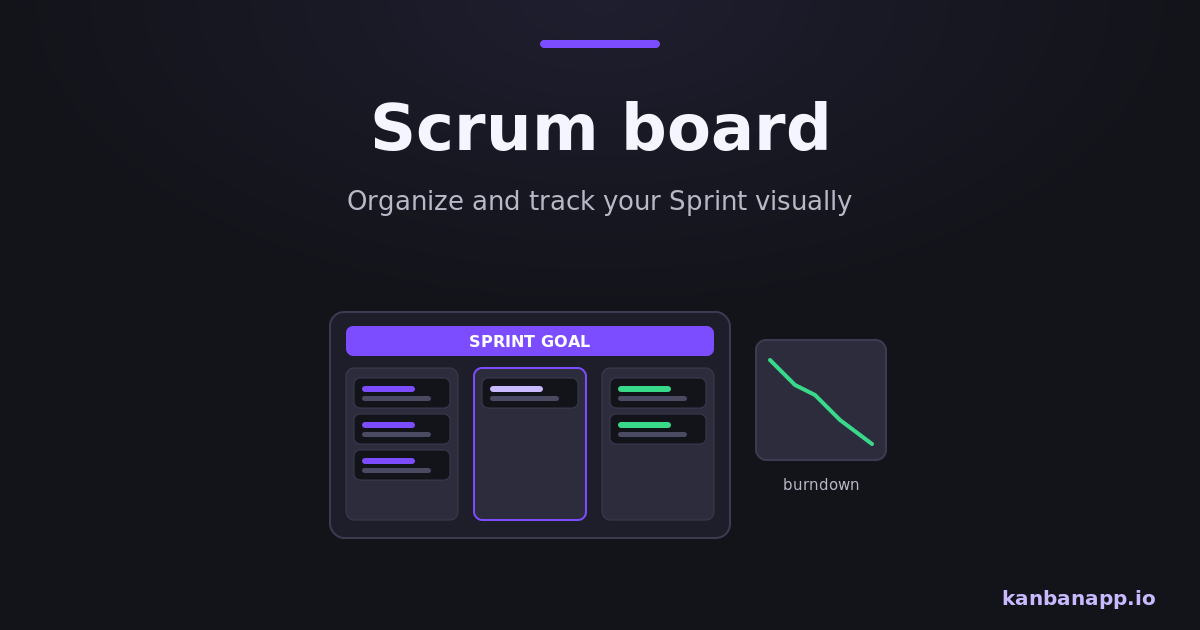
A Scrum board is a visual representation of the Sprint Backlog: every selected item becomes a card, and the columns represent the path from "not started" to Done. It can be a wall of sticky notes or a digital board — what matters is that it reflects reality.
The board belongs to the Developers. They created the Sprint Backlog in Planning, and the board is that plan made visible and adaptable day by day.
2) Columns that mirror the Sprint workflow
Start from the stages work actually goes through. A minimal board uses To Do, In Progress and Done; many teams add stages such as In Review or In Testing because that is where work really waits.
To Do → In Development → In Review → In Testing → Done
Keep the final column strict: Done means the Definition of Done is met, not "almost". If an item does not meet it by Sprint end, it returns to the Product Backlog — the board should never hide that.
3) Cards: the Sprint Backlog made visible
Each card carries what the team needs at a glance: a short title, who is working on it, and any due constraint. Checklists on the card break an item into steps and show progress without opening documents.
Cards should be small enough to move within a few days. A card that sits still for a week is usually two or three cards in disguise — split it and the board becomes honest again.
4) Priorities and movement during the Sprint
Order the To Do column by priority, top to bottom, so the next most important item is always obvious. When someone frees up, they pull from the top instead of picking favorites.
Movement follows the work, not the calendar: a card advances when its stage is truly complete. If the team also adopts work-in-progress limits from Kanban, the board starts actively preventing the "everything started, nothing finished" Sprint.
5) The board in the Daily Scrum
Run the Daily in front of the board, walking columns from right to left: what is closest to Done and what does it need? What is blocked? Only then, what should start next?
This turns the meeting from three individual answers into one team decision: the next best move toward the Sprint Goal. Fifteen minutes is enough when the board does the reporting.
6) Spotting problems early
The board makes dysfunctions visible while they are cheap to fix. A crowded In Progress column means too much started work; cards accumulating in Review or Testing reveal a bottleneck; a card marked as blocked for days is an impediment the Scrum Master should be attacking.
Add a simple blocked marker — a tag, a color or a checklist item — and record when each card entered its column. Age and accumulation are the two earliest warnings a Sprint gives.
7) Digital or physical: setting up your board
Physical boards shine for co-located teams; digital boards win for remote work, history and searchability. For a light, private option, KanbanApp runs offline in the browser with drag-and-drop columns and cards, checklists with progress, due-date colors and JSON export — enough to run a full Sprint without accounts or servers, as detailed in the Offline Kanban article.
Whatever the tool, one rule keeps the board valuable: update it the moment reality changes, not at the end of the day. A board that lags behind reality quietly cancels the transparency Scrum depends on.
8) Conclusion
A Scrum board does not add process — it removes opacity. Columns that mirror the real workflow, small cards and honest movement give the team and stakeholders the same picture of the Sprint.
Set one up for your next Sprint, run the Daily in front of it and let it surface problems early. It is the cheapest improvement a Scrum team can make.