
Work-in-progress limits in Kanban: how to apply WIP
Quick summary: what WIP limits do
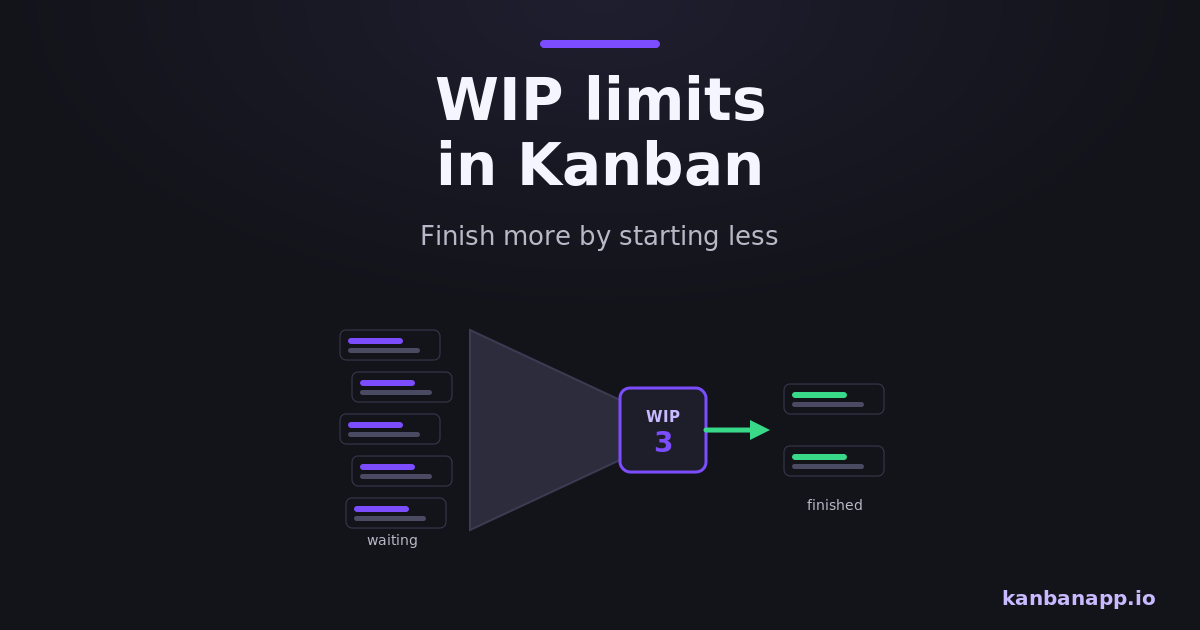
A WIP limit caps how many items can be in a stage — or in the whole system — at the same time.
When the limit is reached, nobody starts new work; the team finishes or unblocks what is already in progress.
The effect is less multitasking, faster completion, visible bottlenecks and a steady rhythm of delivery — summarized by the slogan: stop starting, start finishing.
Before diving into reading:
WIP limits are the least intuitive and most powerful practice in Kanban. This article explains why they work and exactly how to introduce them without friction.
If you have not built your board yet, start with the Kanban board article — limits need a board to act on.
1) What WIP is and why it matters
Work in Progress is everything started and not finished: the open tasks, the half-written documents, the code waiting for review. WIP is invisible inventory, and like inventory it costs money — every open item carries mental load, coordination overhead and delay.
Little's Law makes the cost concrete: average cycle time equals WIP divided by throughput. With stable capacity, the more you have in progress, the longer everything takes. Reducing WIP is the most direct lever a team has on speed.
2) The real cost of multitasking
Every switch between tasks burns time reloading context — studies put the tax at twenty percent or more per additional simultaneous task. Worse, multitasking delays feedback: five tasks at 60% deliver nothing, while three finished tasks already produce value and learning.
Individuals feel this as scattered days and constant almost-doneness. Teams feel it as sprints and weeks that end with everything started and little truly finished.
3) How WIP limits work
A limit is a number attached to a column: In Development [3] means at most three cards there at once. To pull a new card in, one must leave first. Limits can also apply per person or to the whole board.
The limit creates the pull system: work enters when capacity exists, not when someone upstream pushes it. That single rule changes the team's question from "what else can I start?" to "what can I help finish?"
4) Choosing your first limits
Do not compute — observe. Count what is genuinely active per stage today and set the limit slightly below the current chaos: if six items sit In Progress for three people, start with four. Per-person WIP of one to two is a solid personal rule.
Set limits column by column where work accumulates most; a single global limit also works for small teams. The number is a starting hypothesis, not a law — you will tune it.
5) When the limit is reached
A full column is the system talking. The healthy responses, in order: help finish an item in the full stage (swarming), unblock something stuck, prepare upcoming work — and only then, if truly nothing helps, start something new as a conscious exception.
Teams often mark limit violations visually. An occasional, deliberate violation is fine; a permanent one means the limit — or the process — needs adjustment.
6) Limits reveal bottlenecks
With limits on, bottlenecks stop hiding. If Development keeps hitting its cap because Review is full, the constraint is Review — and the board now proves it. Without limits, that same pressure just becomes a taller pile of started work.
This is the diagnostic gift of WIP limits: they convert vague overload into a specific, addressable point in the flow. The team can respond with capacity shifts, policy changes or automation exactly where it matters.
7) Adjusting limits over time
Review limits at a regular cadence with two signals in hand: cycle time and how often each limit blocked a pull. Frequent blocking with idle people suggests the limit is too tight; never blocking suggests it is decorative.
Change one limit at a time and watch for a week or two — treat it as the experiment it is. Mature teams tighten limits gradually: less WIP, faster flow, until the trade-off stops paying.
8) Conclusion
WIP limits are a small rule with outsized effects: they cut multitasking, speed up completion, expose bottlenecks and give the team a shared discipline of finishing.
Pick one column today, set a limit slightly below current reality and hold it for two weeks. The board — and the method around it — will do the convincing.