
Kanban: what it is, how it works and how to use it
Quick summary: Kanban in a few sentences
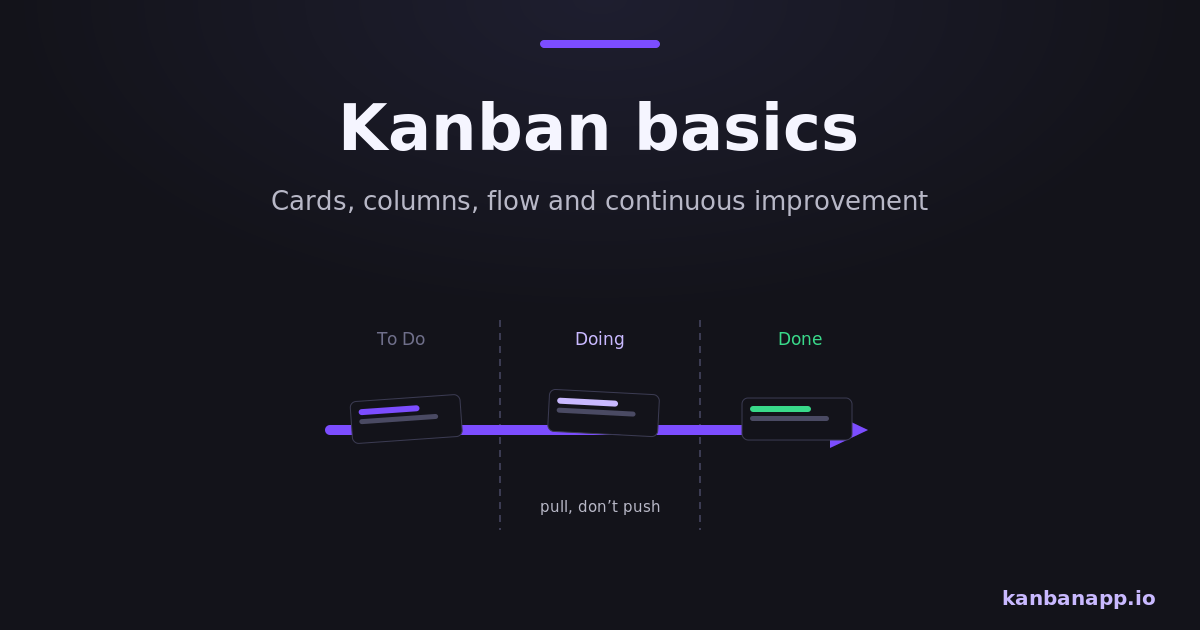
Kanban is a method for managing work visually: tasks become cards, process stages become columns, and the board shows what is waiting, what is in progress and what is done.
Work flows continuously and is pulled, not pushed: a new task starts only when there is real capacity for it.
Limiting work in progress and observing the flow reveal bottlenecks and drive continuous improvement.
Before diving into reading:
Kanban is one of the easiest methods to start and one of the deepest to master. This article covers the essentials: the board, the flow, the pull system and the habits that make it work.
When you finish, the complete guide to Kanban goes further into metrics, cadences and implementation — and you can practice immediately on a free KanbanApp board.
1) What is Kanban?
Kanban is a method of visual work management born in Toyota's production system and adapted to knowledge work. Its core idea is simple: you cannot manage what you cannot see, so the first step is making all work visible in one place.
Unlike frameworks that reorganize teams or roles, Kanban starts with what you do now. You map your current process, visualize it and improve it gradually — which is why adoption meets so little resistance.
2) Cards and columns
Each task is a card with a short description and whatever the team needs to act on it: owner, due date, checklist. Each process stage is a column, and the most common starting set is:
To Do → In Progress → Done
As the work advances, the card moves. At any moment, the board answers three questions instantly: what is waiting, what is being worked on, and what is finished.
3) Continuous flow and the pull system
Kanban has no fixed cycles: work flows continuously from entry to delivery. What regulates the system is pull — a stage takes in a new item only when it has capacity, instead of having work pushed onto it.
This inverts the usual dynamic. Instead of starting everything that arrives, the team finishes what is closest to done and pulls the next most important item. Delivery becomes steady instead of arriving in end-of-cycle waves.
4) Work in progress and why less is more
Work in Progress (WIP) is everything started and not finished. It is the silent enemy of productivity: each extra item in progress means more context switching, longer waits and later feedback.
Kanban makes WIP visible and then limits it — for example, at most three items In Progress. Limits feel restrictive on day one and liberating by week two: fewer things started, more things finished. The WIP limits article shows how to choose your numbers.
5) Continuous improvement
The board is also a diagnostic instrument. Cards piling up in one column reveal a bottleneck; cards that sit for days reveal oversized or blocked work; a growing To Do column reveals demand above capacity.
Teams review these signals in short, regular conversations and adjust: change a limit, split a stage, add a policy. Kanban improves by evolution, not by big redesigns.
6) Kanban in different teams
Development teams track features and fixes; support teams manage tickets with columns like Triage, In Service and Resolved; marketing teams follow campaigns from idea to published; individuals organize studies, job hunts or household projects.
The method adapts because it maps your process instead of imposing one. If a stage exists in reality, it becomes a column; if it does not, it never appears on the board.
7) How to start
Open a board, create the three basic columns and add everything you are working on as cards — including the awkward half-finished things. Set a modest WIP limit on In Progress. Update the board as things move, and look at it before starting anything new.
KanbanApp is a friction-free way to do this: it runs in the browser, needs no account, stores data locally and lets you export the board as a file. Two minutes from reading this to a working board.
8) Conclusion
Kanban is visual management distilled: see the work, limit what is in progress, let the flow expose problems and fix them gradually.
Start with the basics from this article, and when the board becomes routine, the complete method guide shows the principles and practices behind the deeper results.