
How to implement Kanban in a team that uses Scrum
Quick summary: the five-step path
You can introduce Kanban into a Scrum team without changing roles, events or Sprints — the practices layer on top.
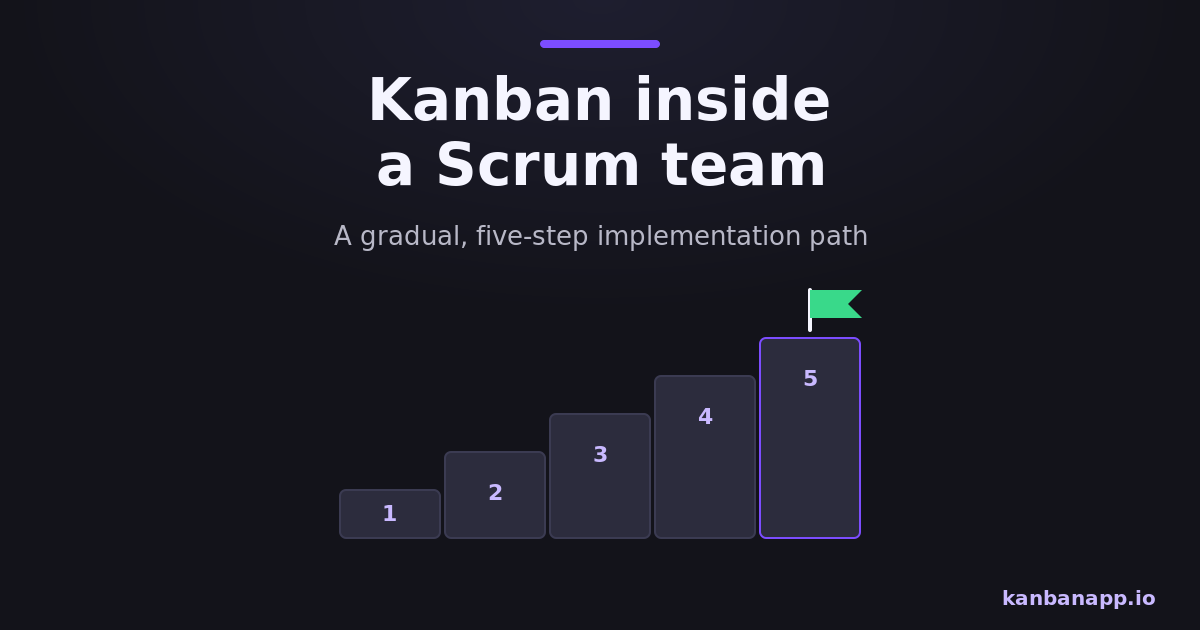
The path: map the real stages of work, build a board that mirrors them, set initial WIP limits, make blockers explicit and track flow during Sprints.
Each step delivers value alone; together they make Sprints calmer, more predictable and easier to improve.
Before diving into reading:
This is an implementation guide. The reasoning behind the combination lives in how Kanban relates to Scrum — here we focus on doing it, one Sprint at a time.
Everything below fits in the tools you already have; the examples use KanbanApp, which needs no setup.
1) Why gradual beats big-bang
Kanban's own principles say it: start with what you do now and evolve. A Scrum team already has a cadence and roles that work; the goal is to add visibility and flow control, not to relaunch the process.
Introducing one practice per Sprint also isolates cause and effect. When cycle time drops after adding WIP limits, the team knows what did it — and trust in the next step grows.
2) Step 1: map the real workflow
In a short session, trace how a Sprint Backlog item actually travels from selected to Done — including waits: code written but waiting for review, tested but waiting for deploy. Those waiting states are where time hides.
Resist idealizing. The map must describe what happens today, embarrassments included; improvement comes later, from evidence. The output is a short list of stages everyone recognizes.
3) Step 2: build the board
Turn each mapped stage into a column and every current Sprint item into a card. From this Sprint on, Planning ends with cards in To Do and the Sprint Goal visible at the top.
Keep the board where the team lives — on the wall or in a shared tool. With KanbanApp the board runs locally in the browser with drag-and-drop, checklists and due dates, and can be exported as JSON at Sprint end as a lightweight archive.
4) Step 3: set initial WIP limits
After one or two Sprints of just visualizing, add limits to the active columns — slightly below the chaos you observe. If In Development usually holds five cards for three developers, start at three.
Agree on the response to a full column before it happens: help finish, unblock, pair — new work only as a conscious exception. The WIP limits article covers tuning the numbers.
5) Step 4: make blockers explicit
Create a visible convention for blocked work: a tag, a color or a "BLOCKED" prefix, plus one line saying why and since when. Blocked cards stay in their column, wearing the flag.
This changes daily behavior: blockers get named in every Daily, the Scrum Master gets an explicit hunting list, and the Retrospective can ask data-backed questions like "why do items block in Review every Sprint?"
6) Step 5: track flow during Sprints
Start collecting three humble numbers: when each card started and finished (cycle time), how many finished per week (throughput) and how long current cards have been sitting (age). Card timestamps — automatic in most tools, including KanbanApp's created/updated records — are enough.
Bring the numbers to existing events, no new meetings: age in the Daily, throughput trends in the Review, bottleneck evidence in the Retrospective.
7) Evolving from the retrospective
The Retrospective becomes the engine of evolution: each Sprint, pick one flow experiment — adjust a limit, split a column, add a policy — and check the effect next Sprint.
Within a few cycles the team is practicing genuine flow management inside unchanged Scrum. Some teams stop there; others continue toward Scrumban. Both are wins.
8) Conclusion
Implementing Kanban in a Scrum team is five small steps: map, visualize, limit, flag, measure — one Sprint at a time, no disruption.
Start the mapping session this week. By next Retrospective you will already have something no status meeting ever gave you: the truth about how work flows.